Mahoney Express · Output for ---
Print &
Docs
All 8 AWB copies, airline labels, the cargo manifest, the dangerous goods declaration and the house AWB, from one master. Save as PDF or send to a printer.
AWB copies
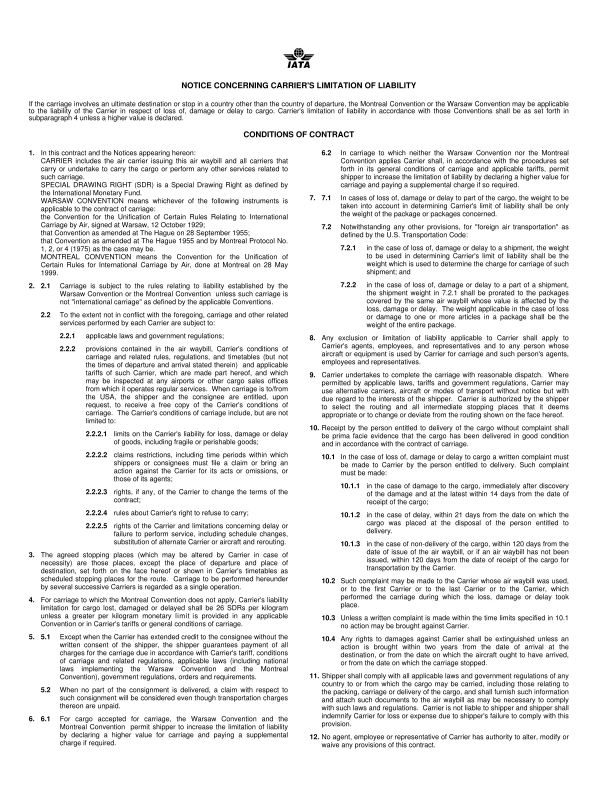
Print AWB · copies 1–3 are originalsTurn on two-sided printing at the printer. Copies without terms get a blank back so pages stay lined up. Your choice is remembered in this browser.
Airline labels
One per piece · Code 128 · ⌘LCargo manifest
Consolidation manifest for this master. House AWBs added here are listed with the master lines; add or edit rows. ⇧⌘M
- Consolidator
- MAWB
- ---
- Flight / date
- ---
- Houses
- ---
- Weight in
- K (kg)
Dangerous goods
IATA Shipper's Declaration. UN number, class, packing group and PI are read from nature of goods. Prints 2 copies. ⌘G
- Lines read
- ---
- Aircraft
- Shipment
- Non-radioactive
- Emergency phone
- Signatory
- Net dry ice
No verified house proof yet.
MAWB-ACCURACY.md covers the master only. The house paper is shown once a checked proof exists.House AWB
Create HAWB from this MAWB. The agent in the Editor becomes the issuer; then change shipper, consignee, pieces and charges for this house. ⇧⌘H
- HAWB
- ---
- Under MAWB
- ---
- Issuer
- ---
- Company logo
- No company.png · text issuer
Print & Docs reads the AWB you last worked on in the Editor (this browser). Nothing is sent anywhere.